01Available now
Hear
Short listening exercises for intervals, scales, chords, and intonation.
For educators
One place for the fundamentals, train your ears and your eyes: intervals, scales, chords, note reading, and intonation. You set the expectations, assign the work, and see who needs support. Students practice on iPhone, iPad, or the web.
For directors bringing regular listening, reading, and intonation practice into an existing program.
Each class has one join code. A student enters it once, along with the name you should see them under, to unlock the full app for a year and join your classroom automatically.
Practice runs on iPhone and iPad, and in any modern browser on laptops and Chromebooks. Classes can follow adaptive progression, or you can set the exact work from the teacher dashboard.
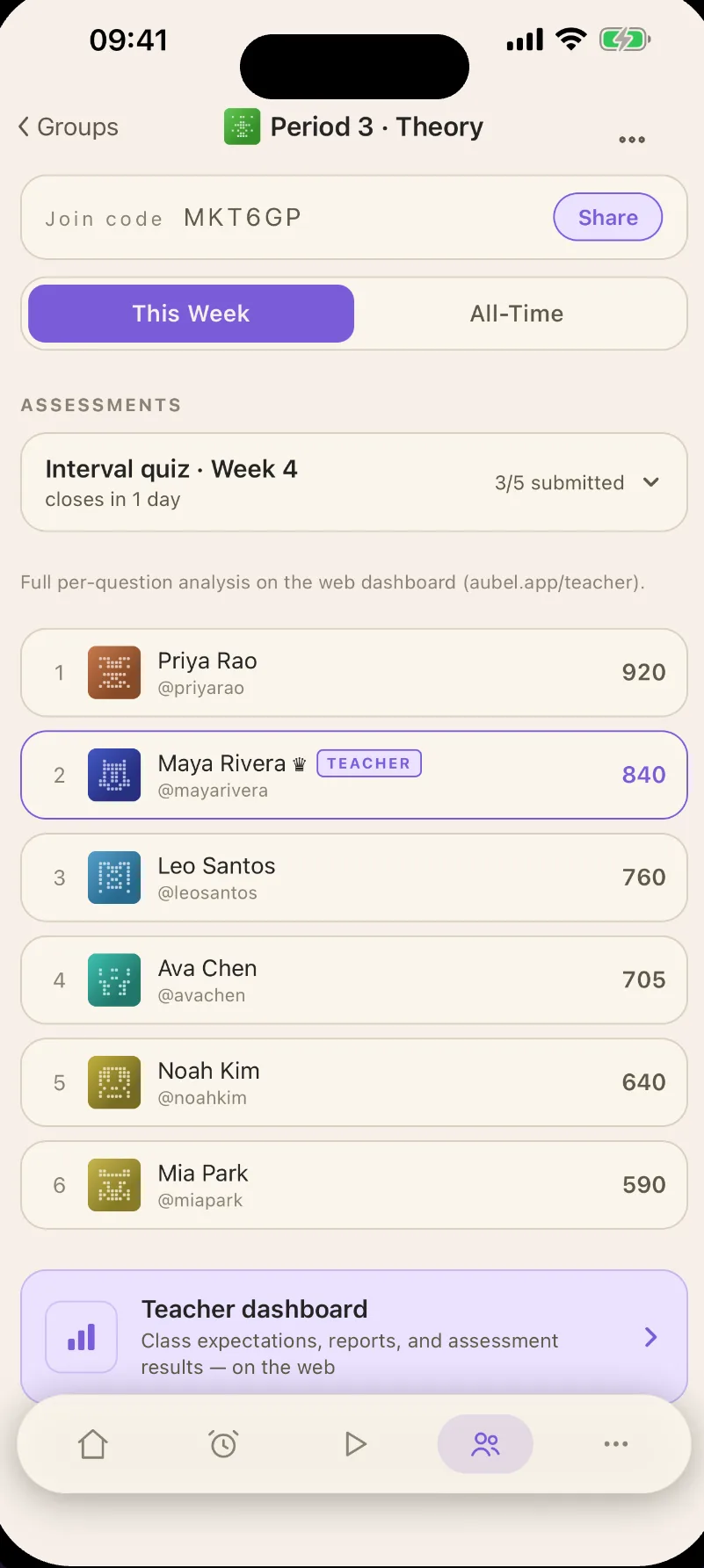
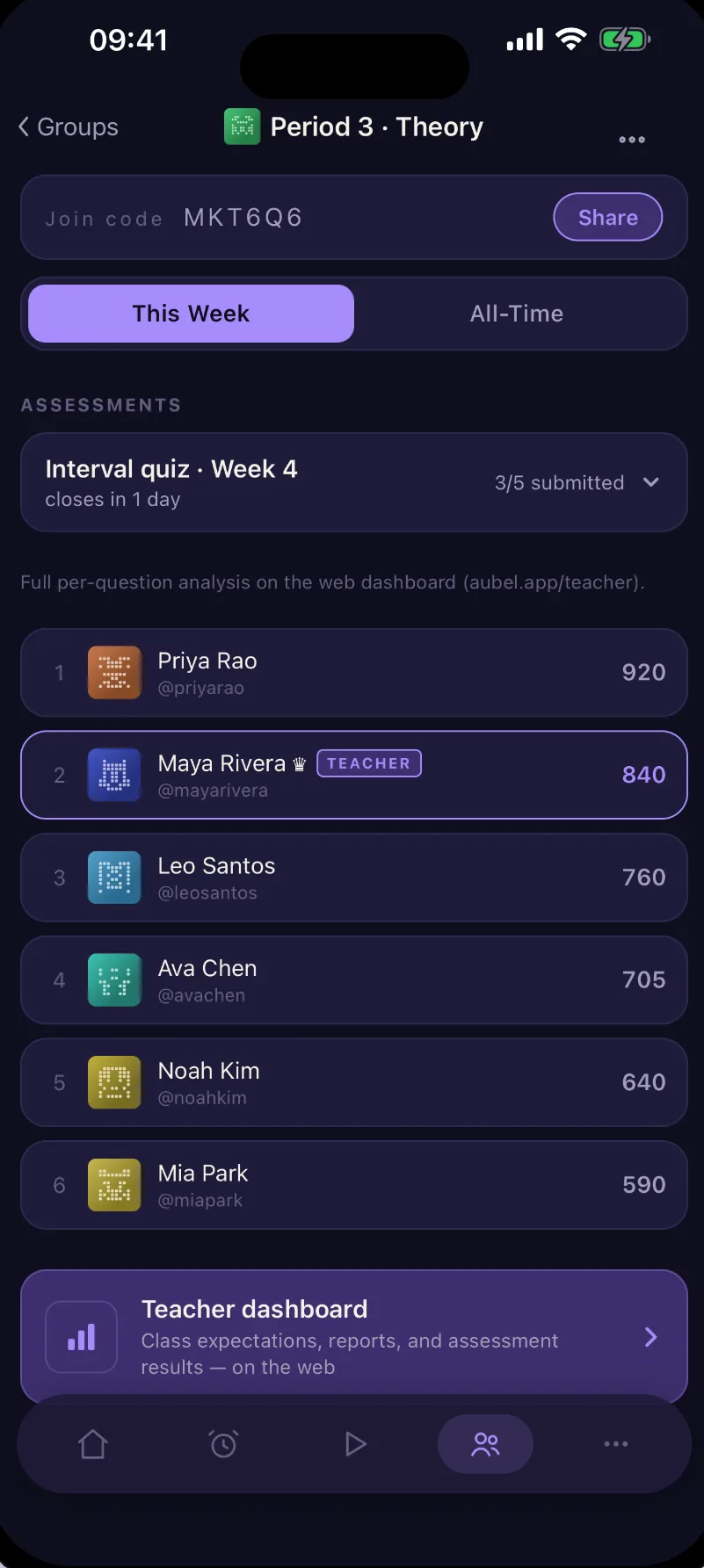
Listening, reading, and intonation are available now. Dictation and construction games are in development.
Short listening exercises for intervals, scales, chords, and intonation.
Sight-reading and pattern recognition for notes, intervals, scales, chords, and key signatures on the staff.
Music theory construction games ask students to supply the answer: spell a B-flat Lydian scale, name F as a perfect fourth above C, or build C, E-flat, G-flat, B-double-flat as a fully diminished seventh chord. Rhythmic dictation and melodic dictation extend that work from hearing to notation.
Pitch-discrimination exercises for sharp and flat, including small differences in cents. Ensemble tuning across just intonation and equal temperament is in development.
Set expectations per class.
Practice goals for each classroom, so students know what a good week looks like and you can see who met it.
Assign assessments.
Give every student the same fixed set of questions for a fair comparison, across one class or several, or generate personalized sets in line with each student's progress.
Review who needs support.
Class accuracy, progress over time, per-skill breakdowns, and a needs-attention list, side by side in one overview. A gradebook collects the assessed work.
Export in one click.
The whole console exports to Google Sheets: summary, by class, by student, skills, needs attention, and weekly trend. Uniform assessments print an answer key for paper grading.
Every figure in the console says what it counts. Active students are students who actually practiced. Accuracy deltas name their comparison window. Mastery is defined where it is shown, not in a help page. If a number has a denominator, you can see it.
Program, class, skills, students, and trend in one place. This week, 30 days, 90 days, all time, or a custom range.
Assessed work per student per class, released when you say so.
Per-question results across the class, so you can see which concept broke, not just who scored what.
Six-tab export of the whole console. Your data stays yours, in a format the front office already uses.
Worth knowing before you bring it to your program.
What it is
What it isn't
Device, data, billing, and support details.
No tiers and no per-feature upsell. Every student gets the same full app.
What it costs
One flat rate per student, per year
The teacher console is live and the first classrooms are running. While per-seat pricing is finalized, classroom purchasing is invitation only. Leave your details and we’ll reach out with early access and pilot pricing, usually within a day.
Prefer email? aubelapp@gmail.com